The app
npx benchkeeper@6.25.0 opens the app in your browser: set up the machine and each repository, see what drifted, undo a run. The same steps run on the command line, see the CLI tab of the quick start.
All screenshots show example data: a demo home folder with the projects shop and blog. They come from no real machine.
Dashboard
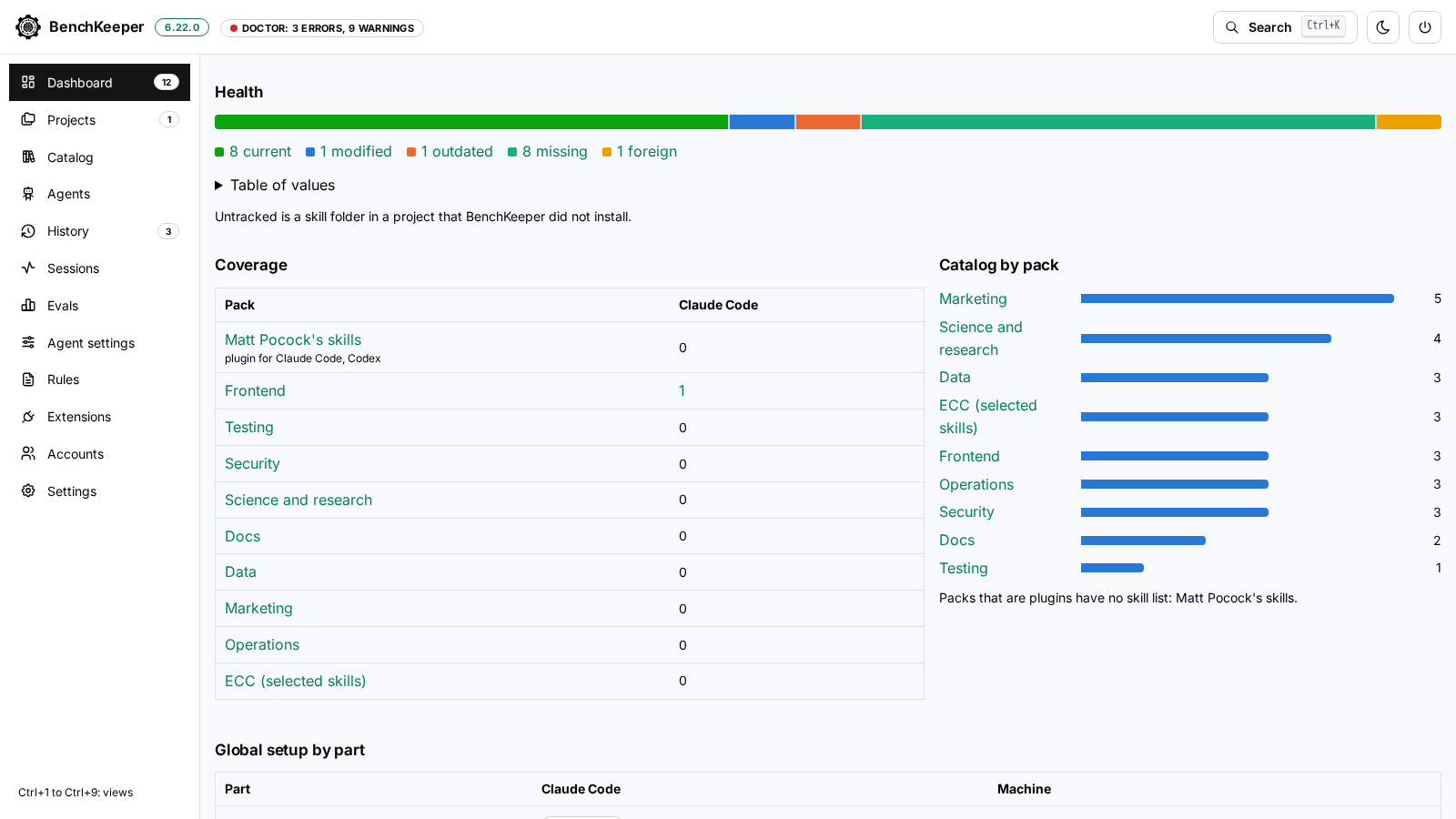
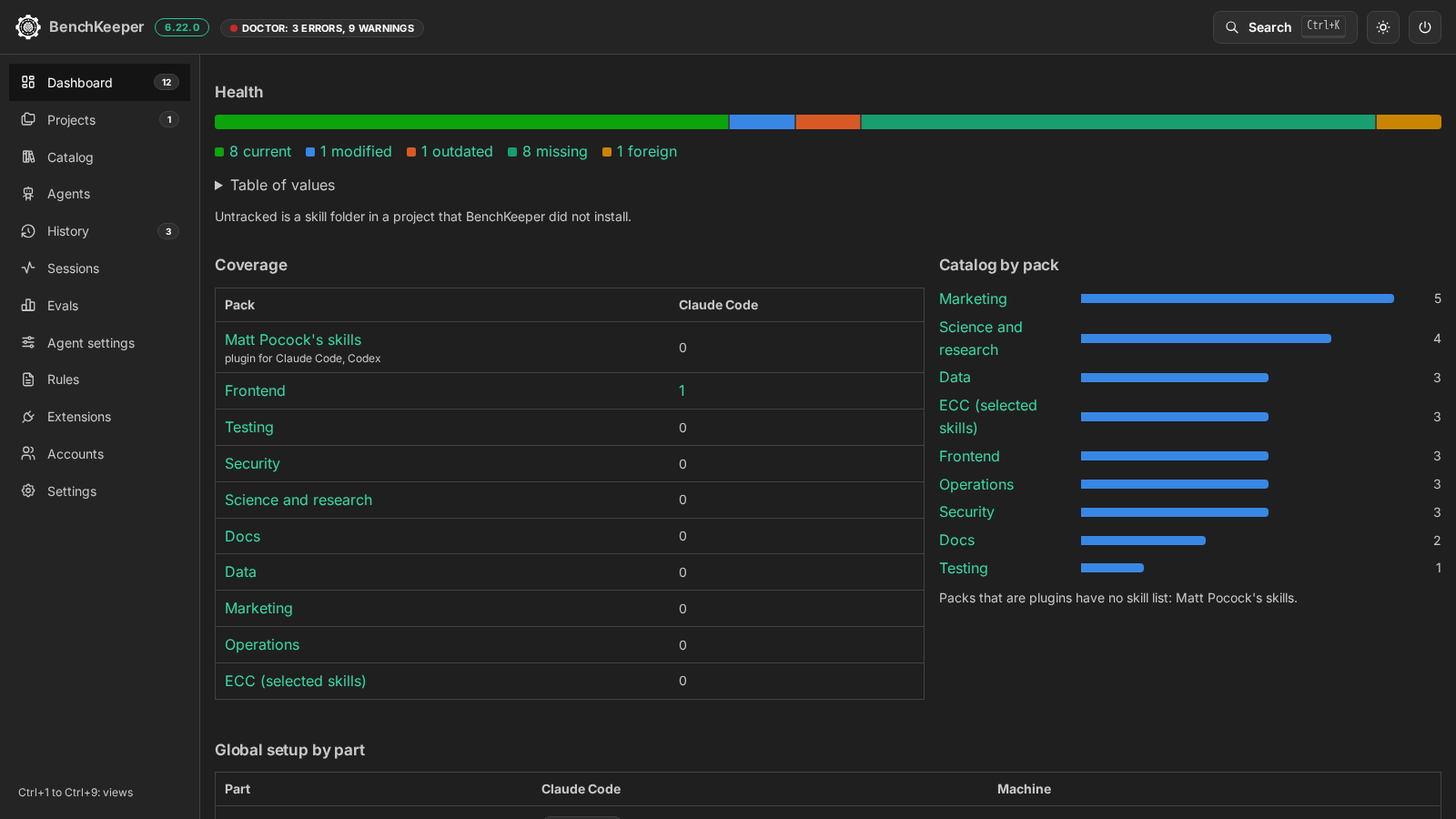
The setup flow counts the agents detected, the global items that need attention, the registered projects that are behind and the doctor findings. Each box opens the view that fixes it.
Health counts the items of the global setup and of each registered project as current, modified, outdated, missing, removed, foreign or untracked, as one bar with the numbers as text. Coverage counts the projects that chose each pack, per agent, and marks skills that exist for one agent only. Every figure links to the view it counts.
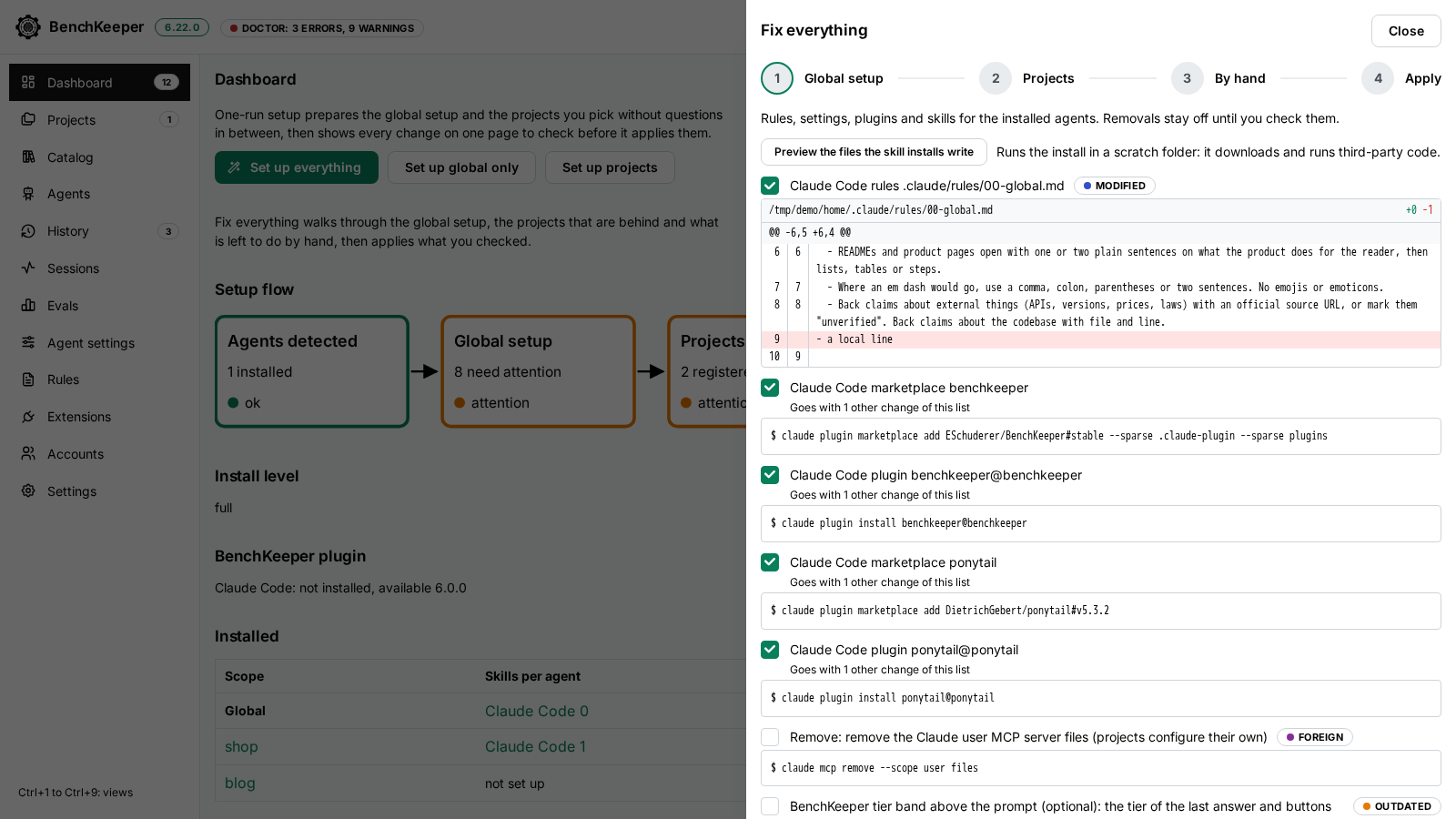
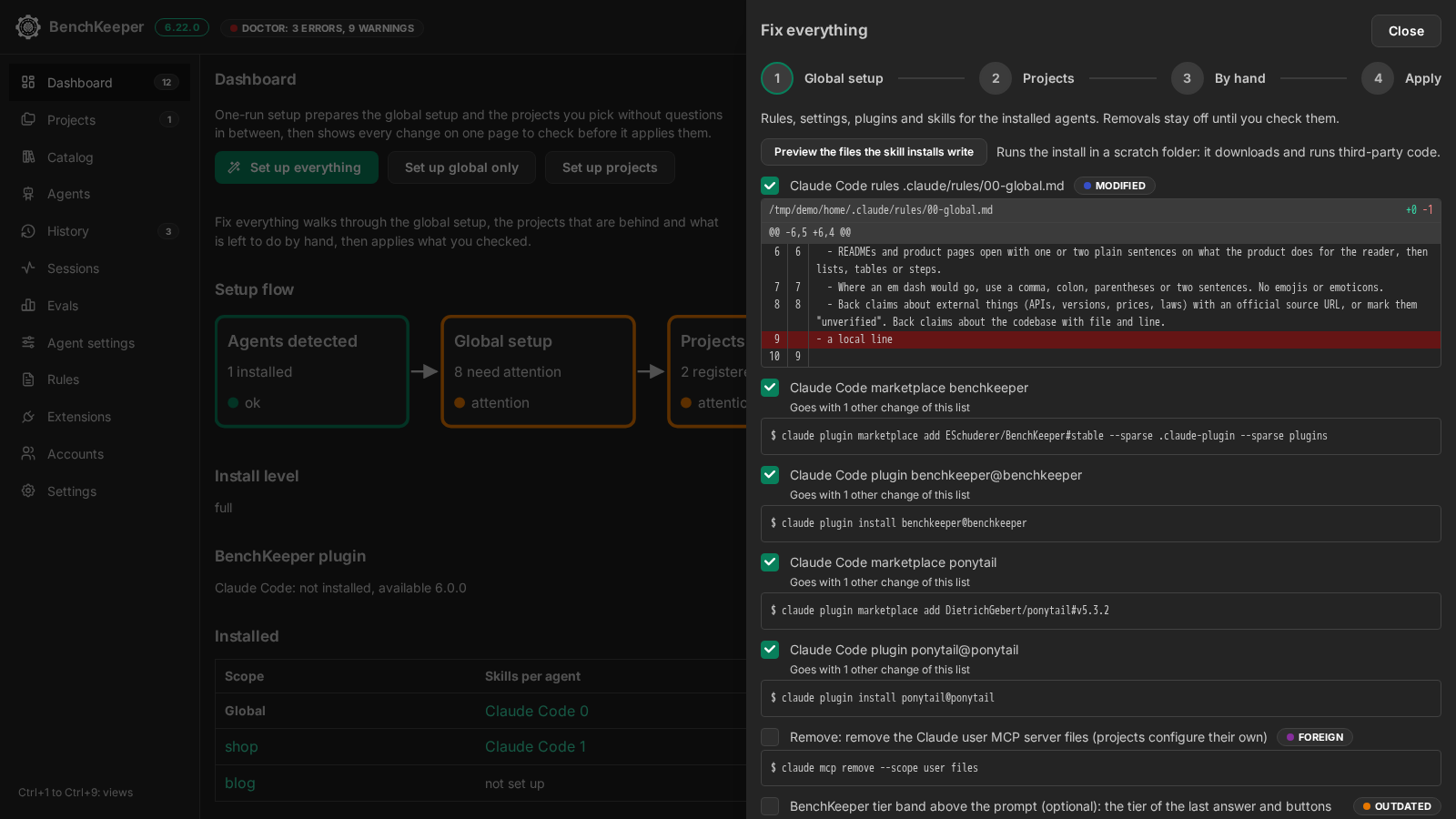
Fix everything
Four steps: the global setup, the projects that are behind, the doctor findings the setup cannot fix, and a summary of what Apply does. Each change is a checkbox with its diff or command line.
Removals of items you installed yourself stay off until you check them. Skill installs run first in a scratch folder, so the plan lists the files they would write.
Projects
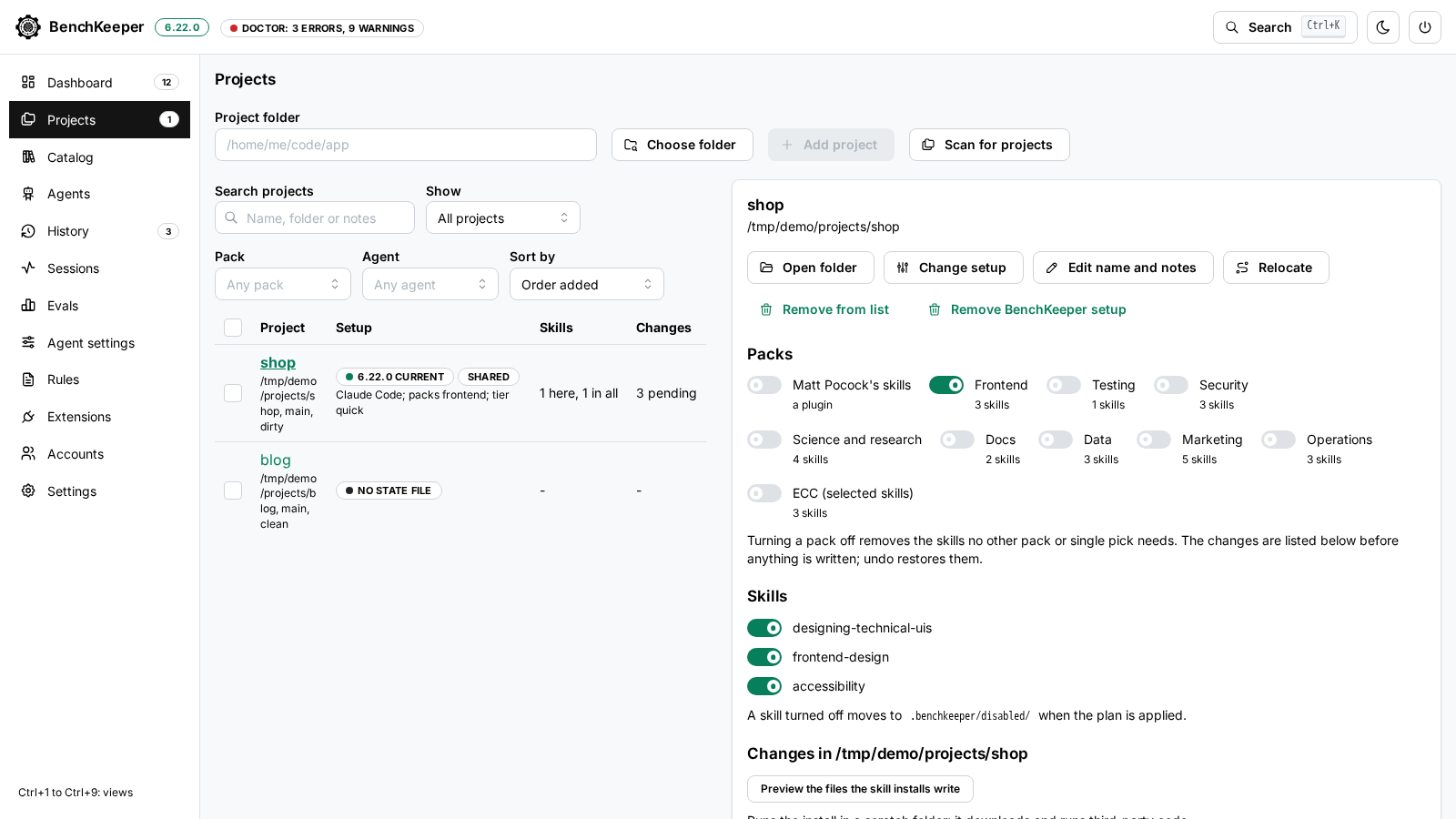
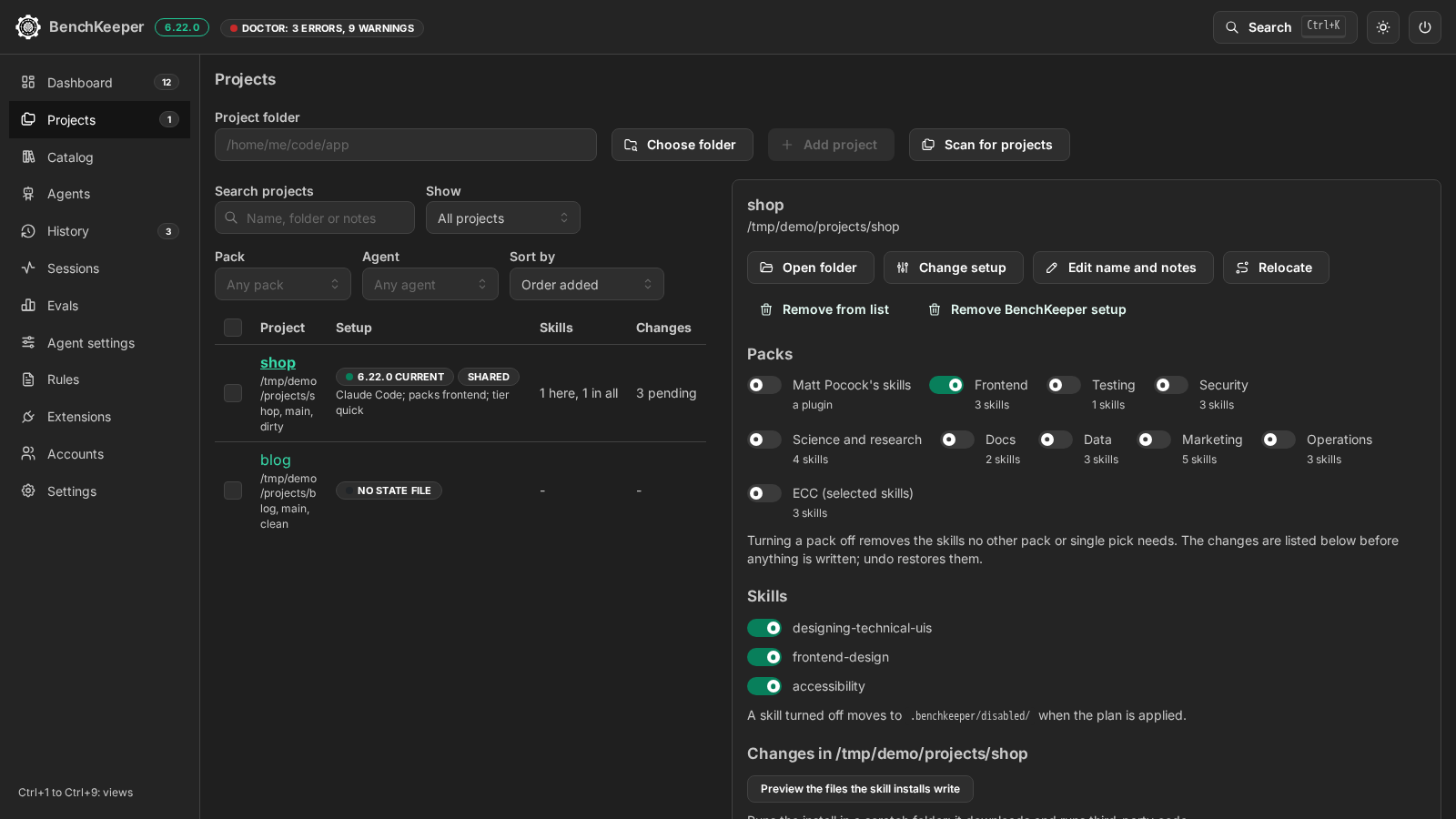
Each registered project shows its setup version, skills, pending changes and Git state. A project is behind when its setup version differs from the one of the app.
The detail lists the project's packs and skills, each with a switch, and the changes an update or a switched pack would write.
Project setup
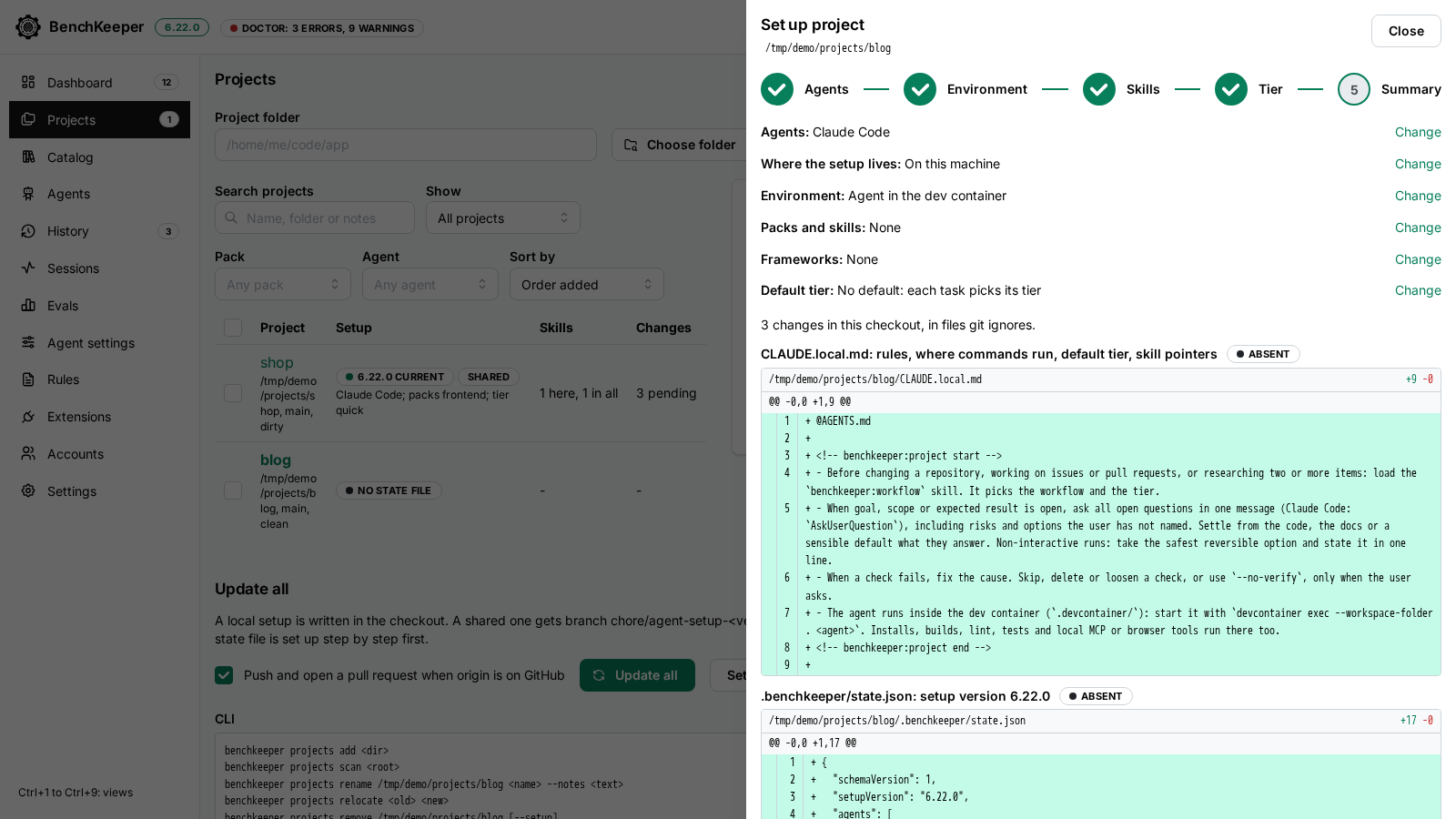
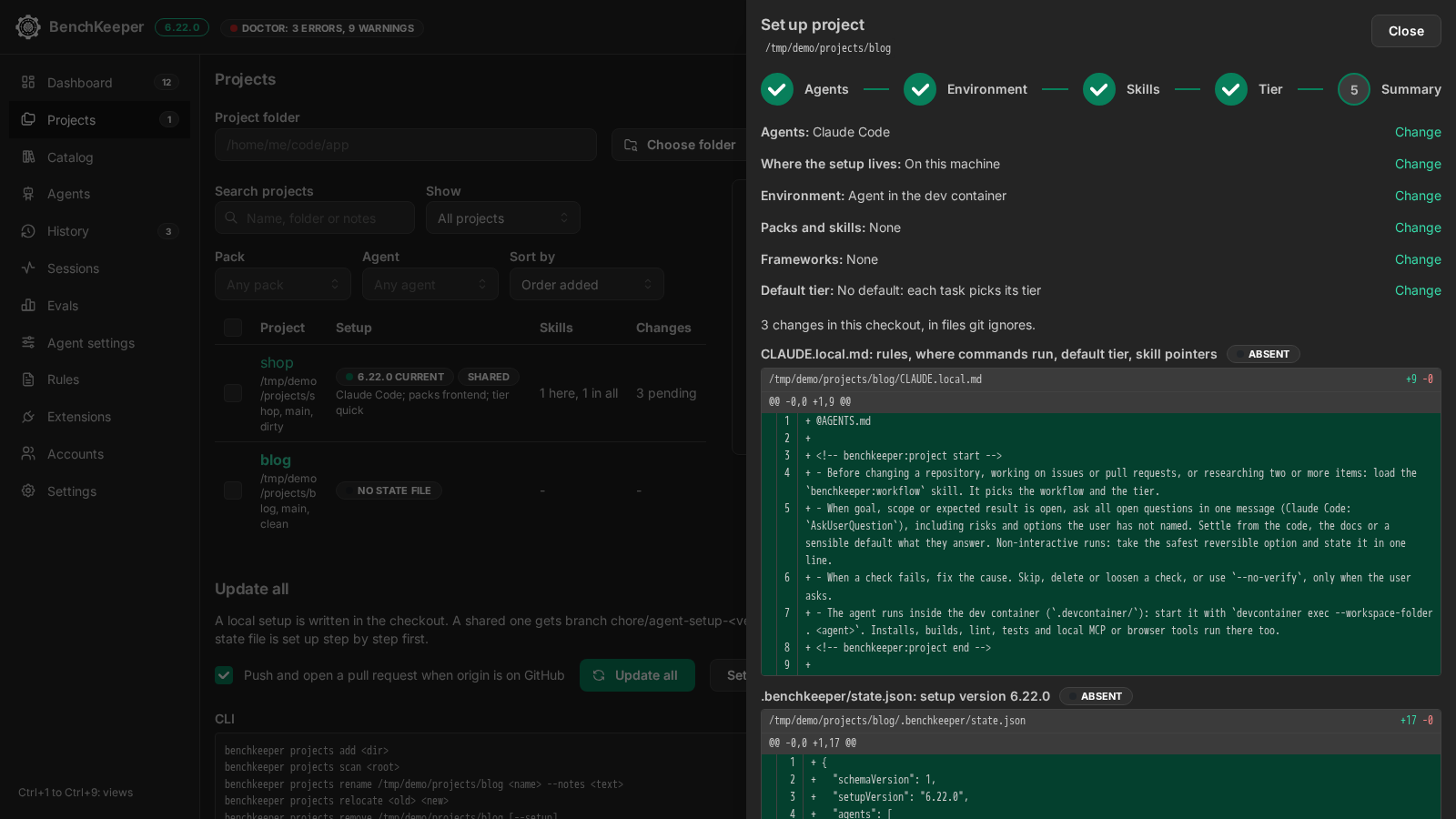
Five steps: agents, where the agent runs, skills, default tier and a review. The review shows every file as a diff before anything is written.
The setup stays on this machine by default, in files Git ignores. The other choice commits it on a branch and opens a pull request.
Sessions board
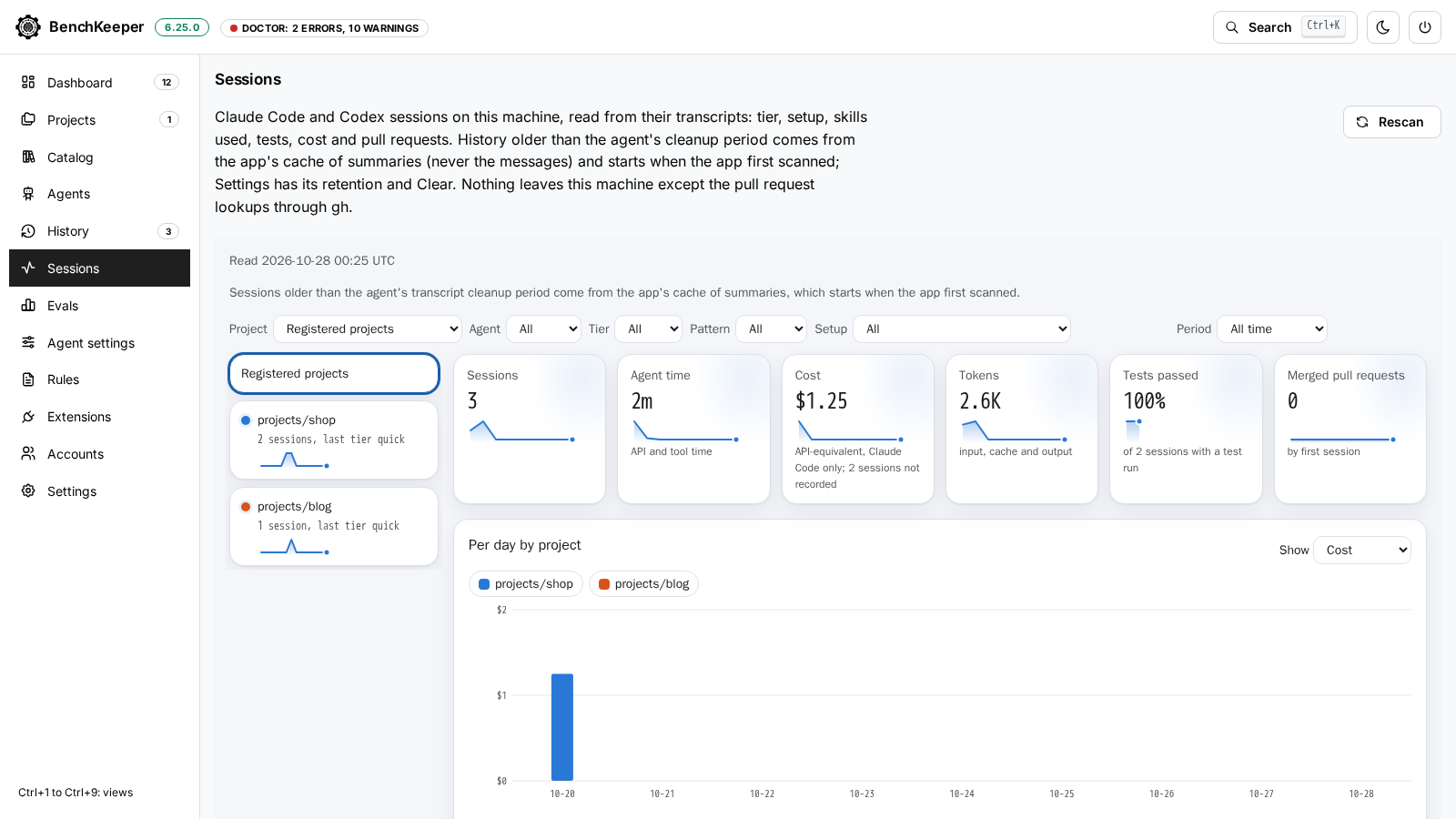
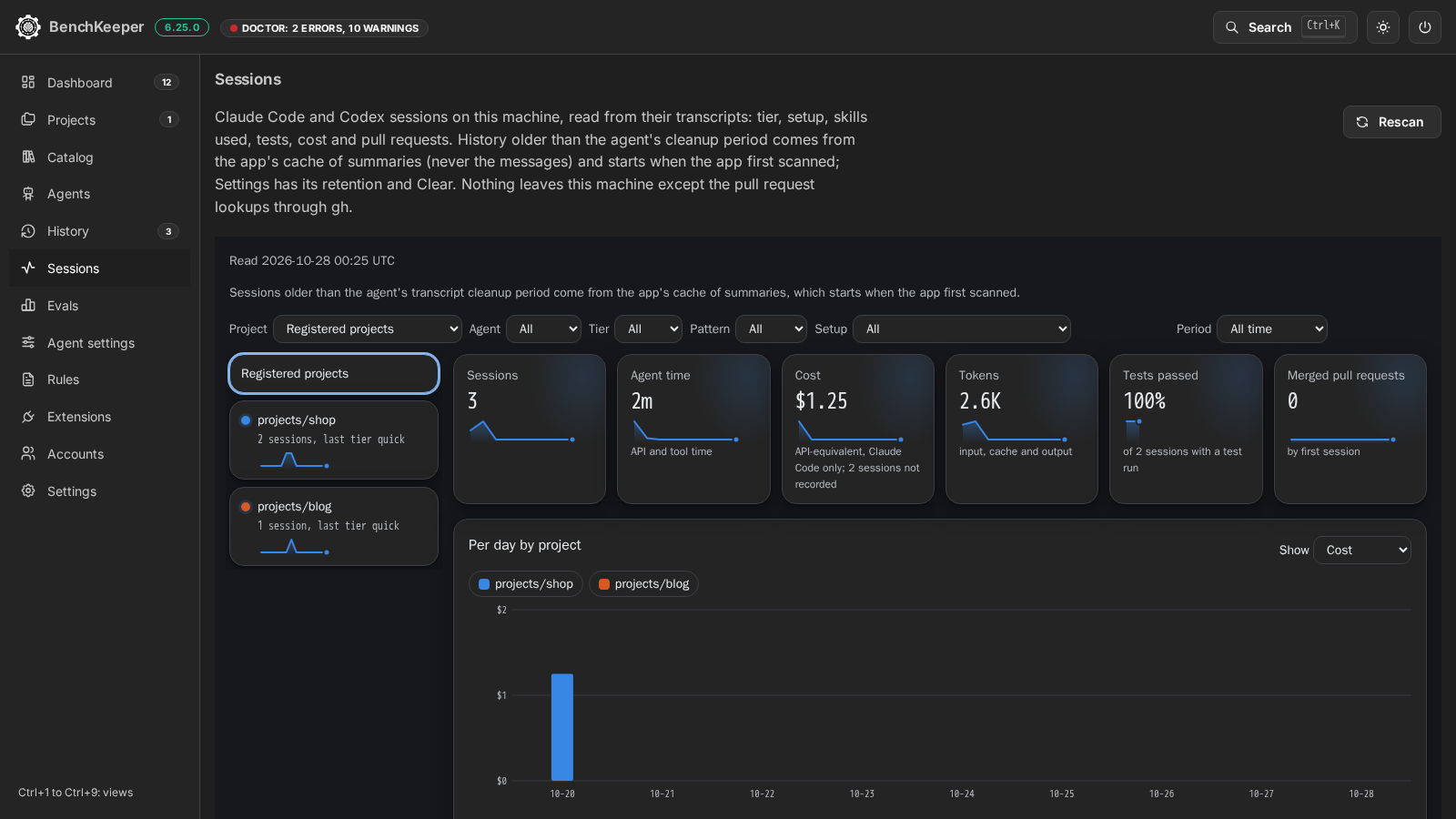
The board reads the Claude Code and Codex transcripts on the machine: per session the tier, the pattern (single, loop, group or Orca worker), the setup installed at the time, skills used, last test run, cost, time and pull request state.
Filters and a rail of projects narrow it by project, agent, tier, pattern, setup and period. Comparison charts by tier, pattern and setup show how many sessions each bar rests on and mark the ones under 20. Each chart has its table behind a button.
History and undo
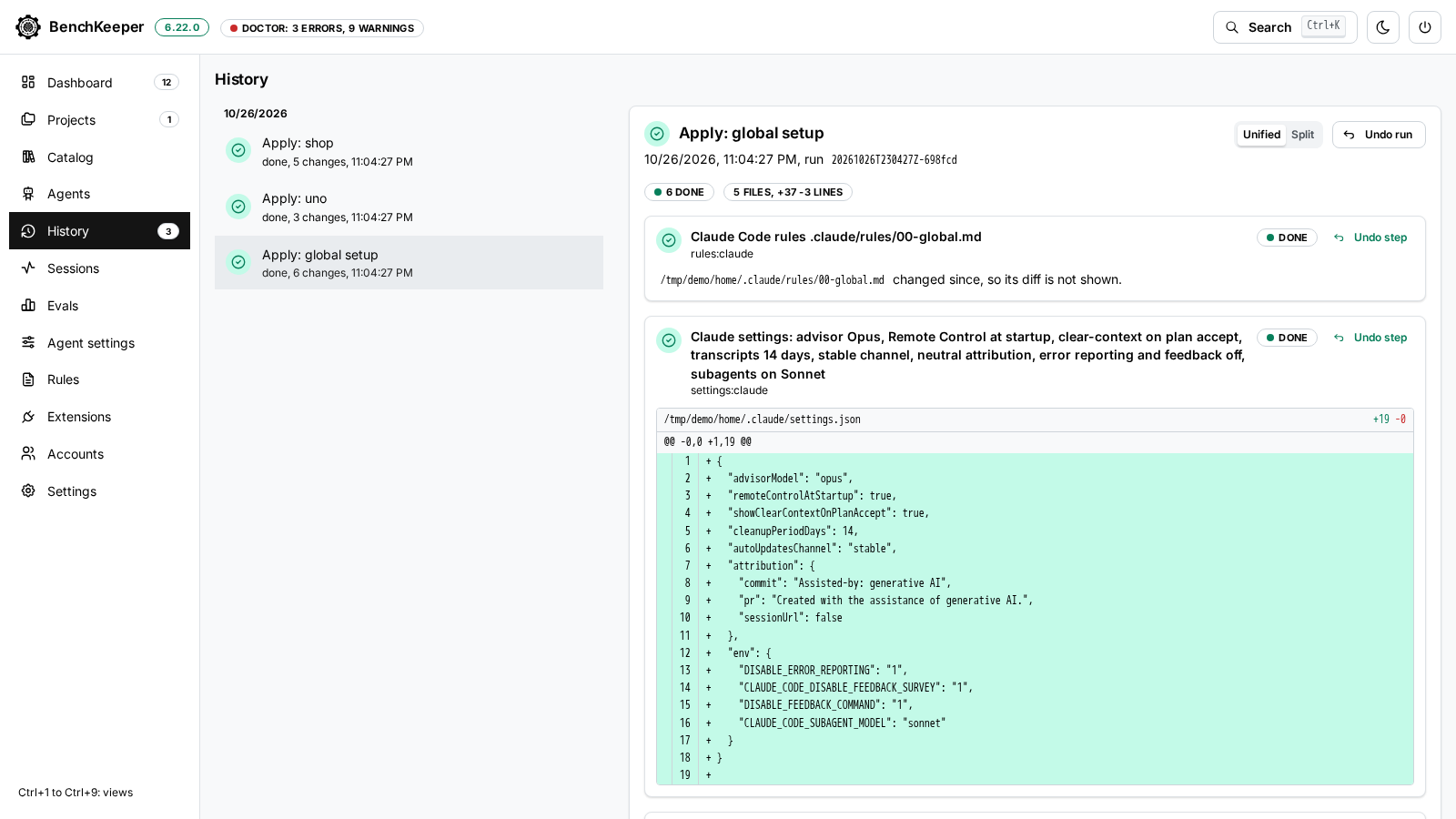
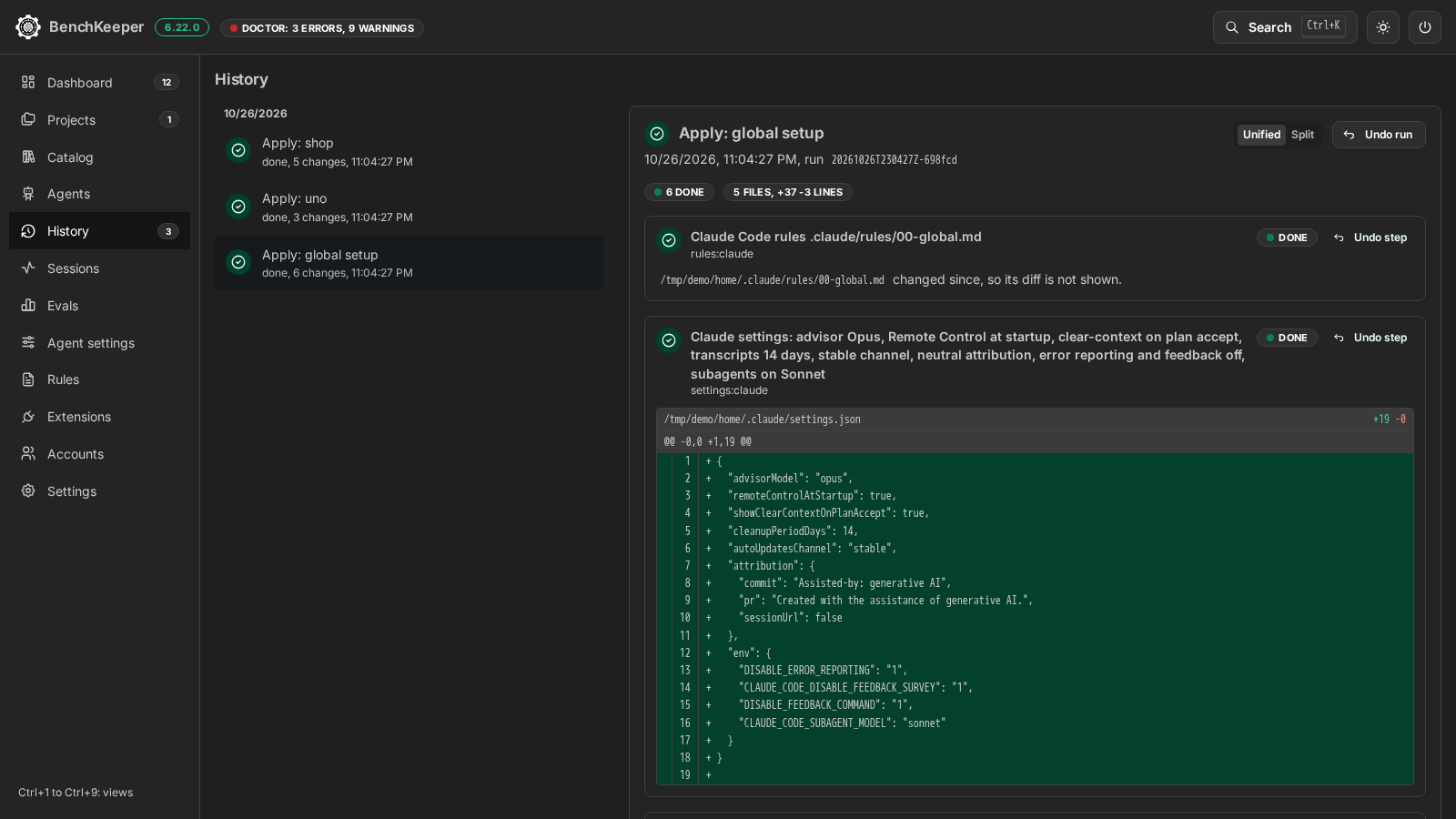
Every apply, update and undo is a run. The report lists each change with its diff, shown unified or split.
Undo run restores every file of the run; Undo step restores one. Replaced and removed files are kept for it.
Doctor
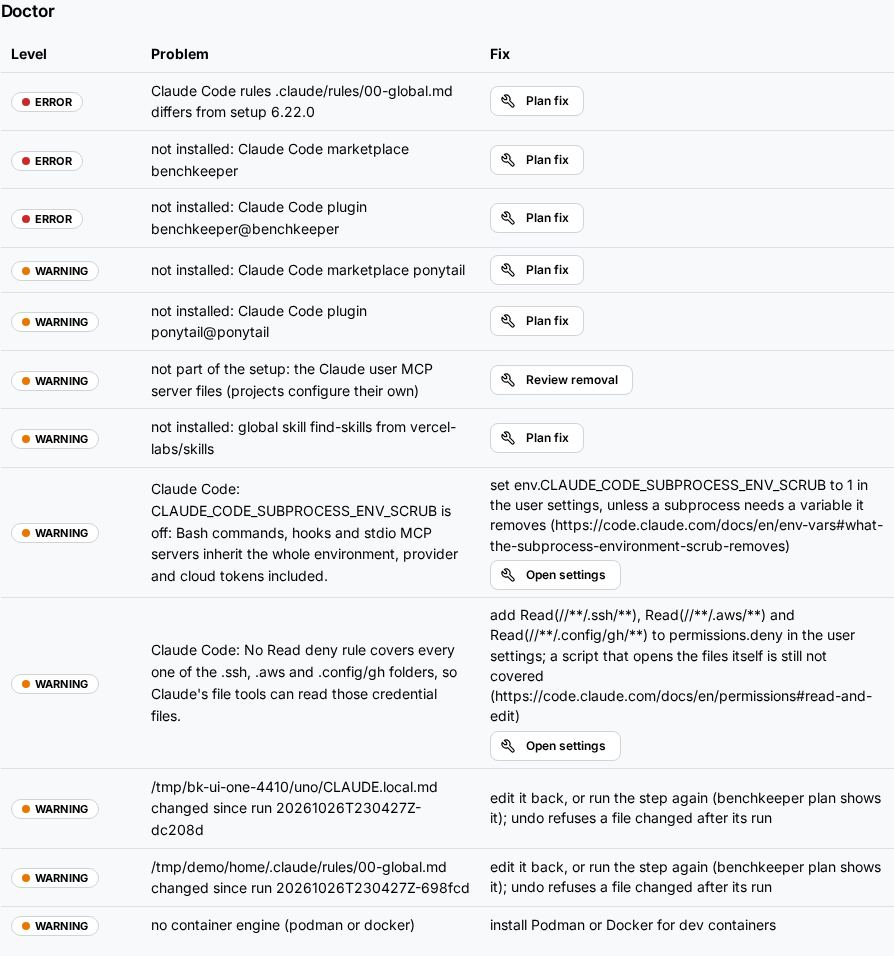
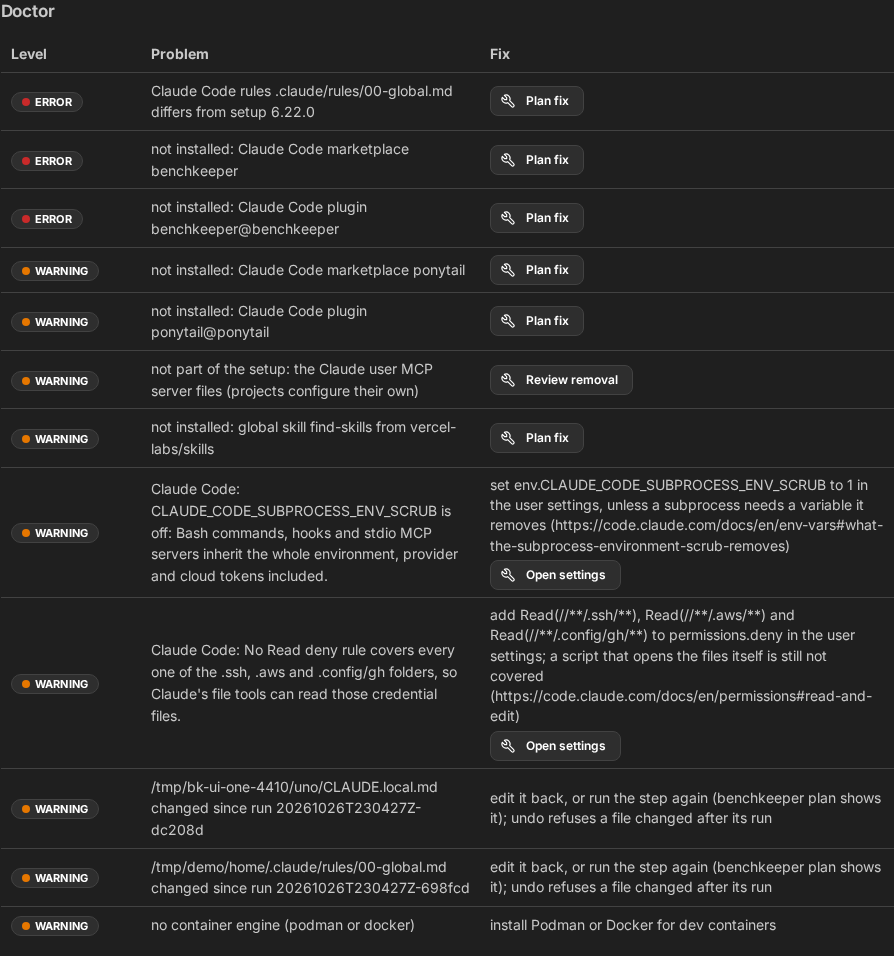
The doctor checks the setup against what is installed: rules that differ from the setup, missing plugins and skills, a missing container engine, environment variables that turn features off.
A finding the setup can fix has a Plan fix button that opens the plan. The others carry the command to run by hand.